
Cron (Task manager)
Cron is task manager. With its help you can run tasks at certain times and intervals.
How to go to Cron settings?
Step 1. Login to the Mirohost control panel
Step 2. Select the required hosting package and then the domain for which you need to configure
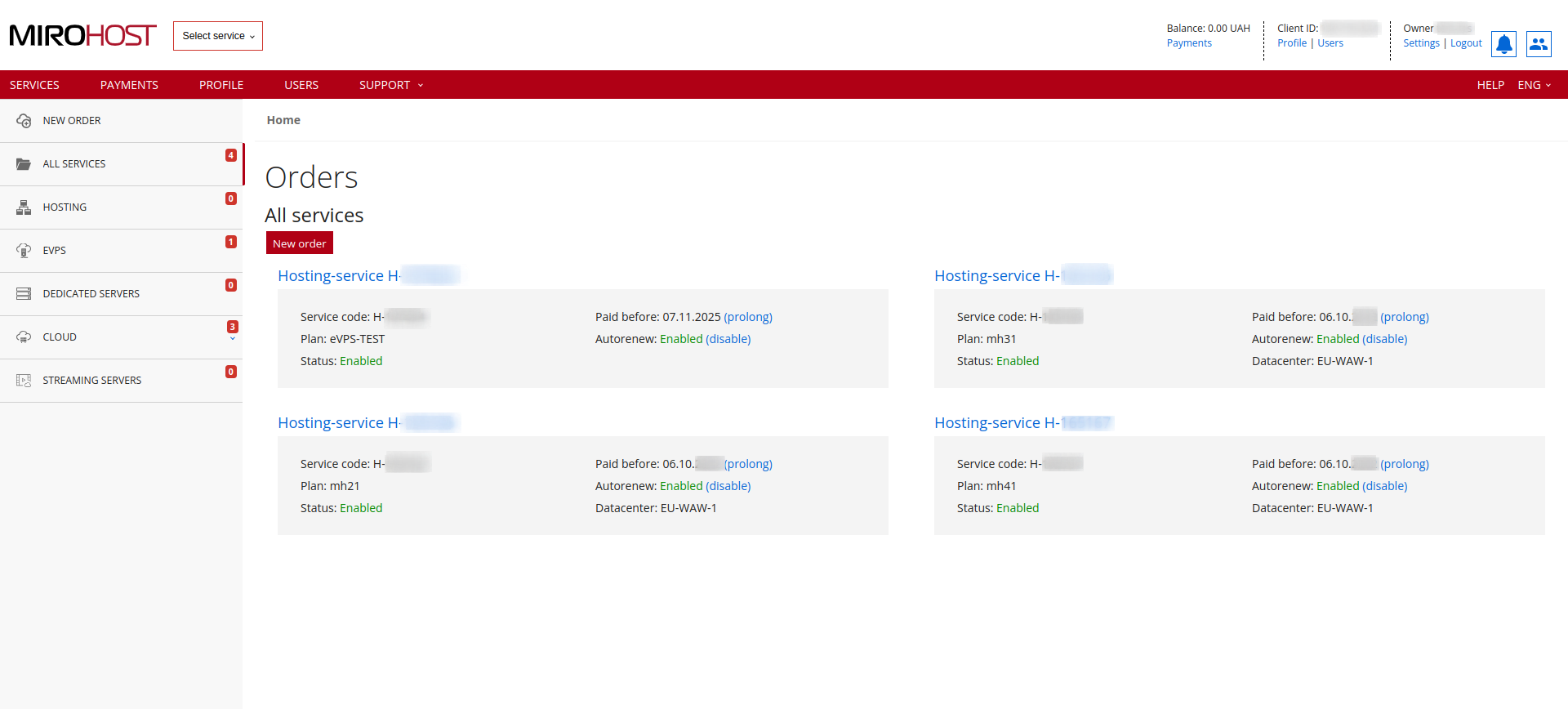 If you have registered one hosting package, click on "Hosting-service H-******" and select the domain for which you need to configure
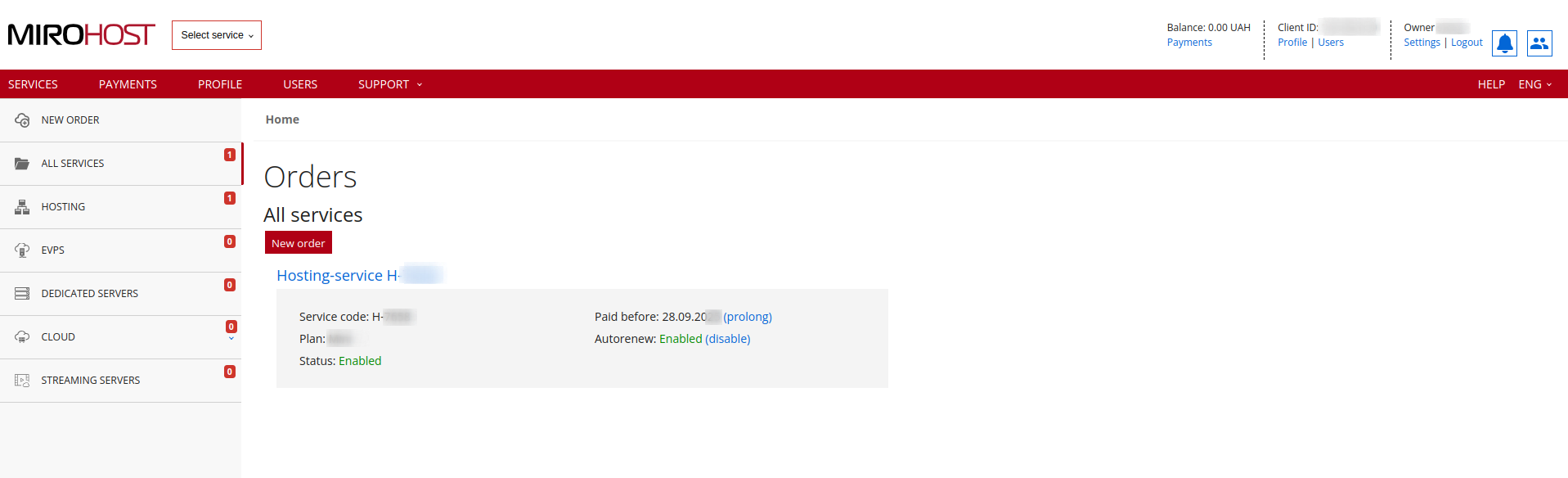
Step 3. Select ‘Task manager’ (Website management → Task manager).
Task parameters:
- minutes 0-59
- hours 0-23
- day of the month 1-31
- month 1-12
- day of the week 0-6 (0 and 6 is sunday)
-— is used to specify a range of values- , - is the separator of the list of values
* - range from the first to the last.
Task examples:
*/5 * * * * /usr/bin/php -f /var/www/homedir/somedomain.ua/test.php Cron job for every 5 minutes*/30 * * * * /usr/bin/wget -q -O /dev/null http://somedomain.ua/test.php Cron job for every 30 minutes0 */3 * * * /usr/bin/php -f /var/www/homedir/somedomain.ua/test.php Cron job for every 3 hours0 13 * * * /usr/bin/php -f /var/www/homedir/somedomain.ua/test.php Cron job every day in 13.0030 2 * * * /usr/bin/php -f /var/www/homedir/somedomain.ua/test.php Cron job every day in 02.300 0 * * * /usr/bin/curl http://somedomain.ua/test.php Cron job every day at midnight
Please note that all cron jobs are moderated by technical support. If the task is not correct - it is rejected, and you should receive a message, what exactly is connected with the rejection of the task
Online assistants will also be useful
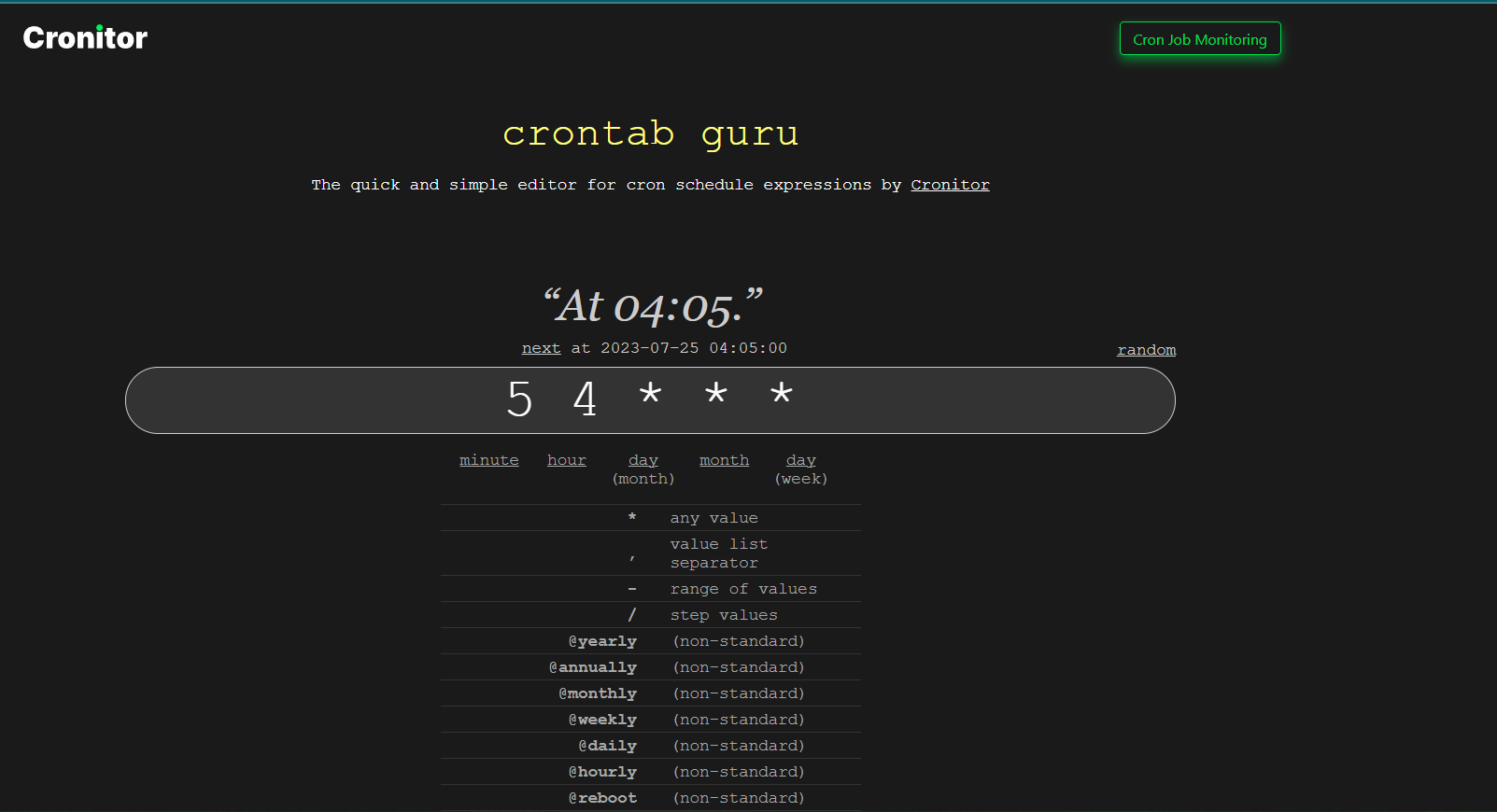
As an example, crontab.guru will help with specifying the correct time for execution
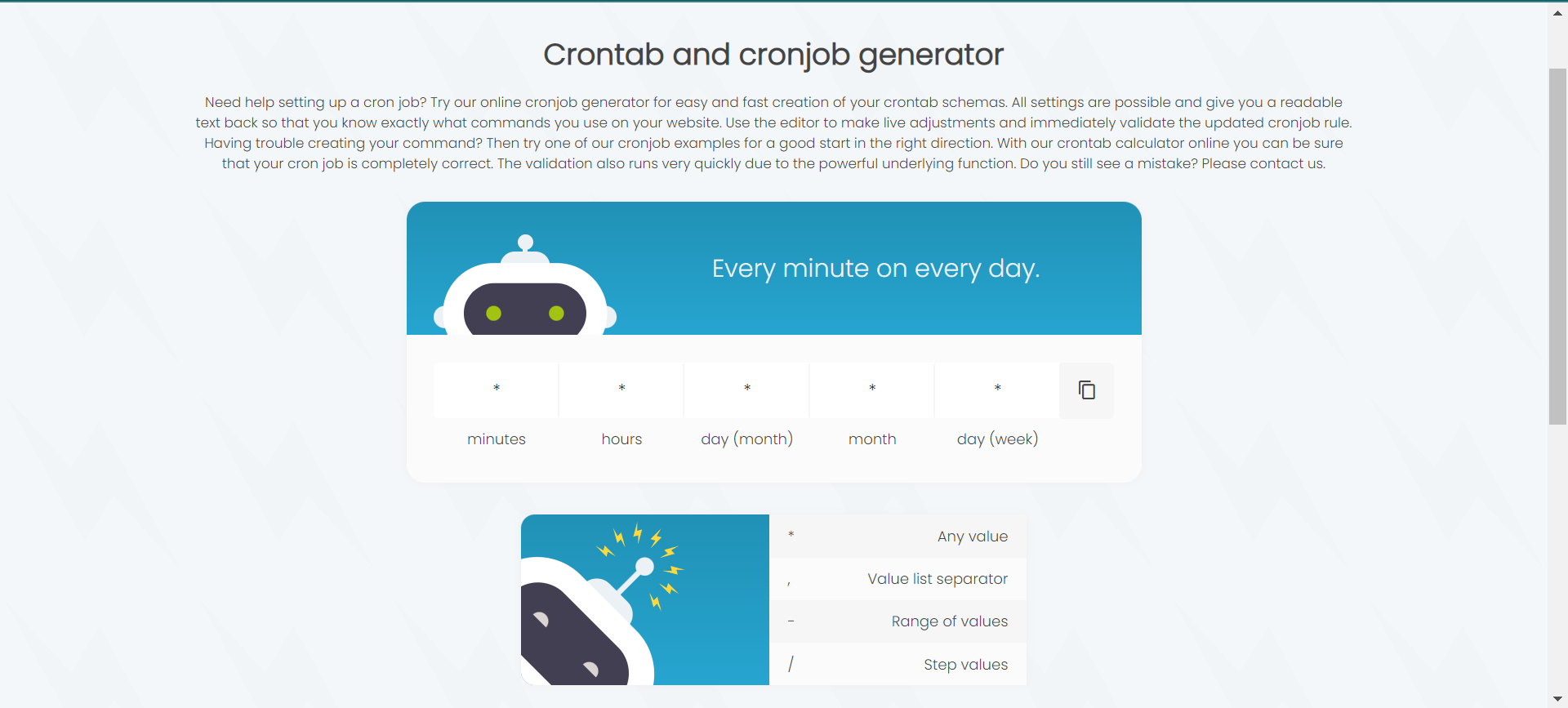
crontab-generator.com will also help you. You can specify the minute, hour, day of the month and other parameters, and the online generator will create a Cron job. The site also includes a calendar view to help users visualize their planners.
See also