Working with log files
Log files contains data about server work and save certain user of programme actions.
How to download log files?
Step 1. Login to the Mirohost control panel
Step 2. Select the required hosting package and then the domain for which you need to configure
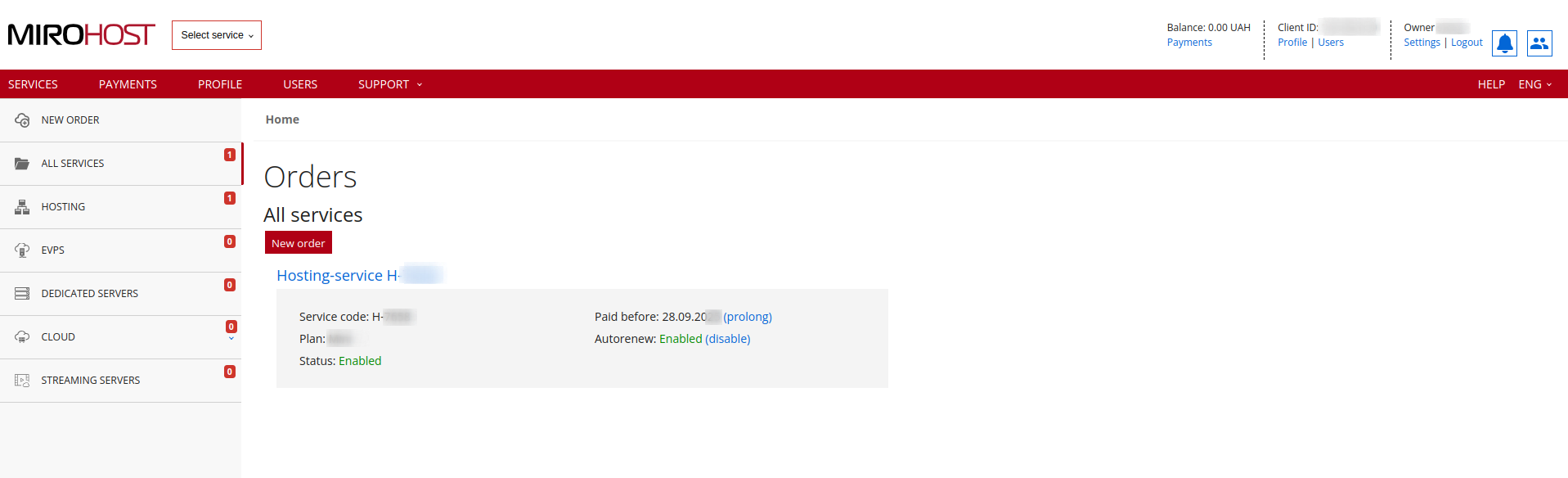
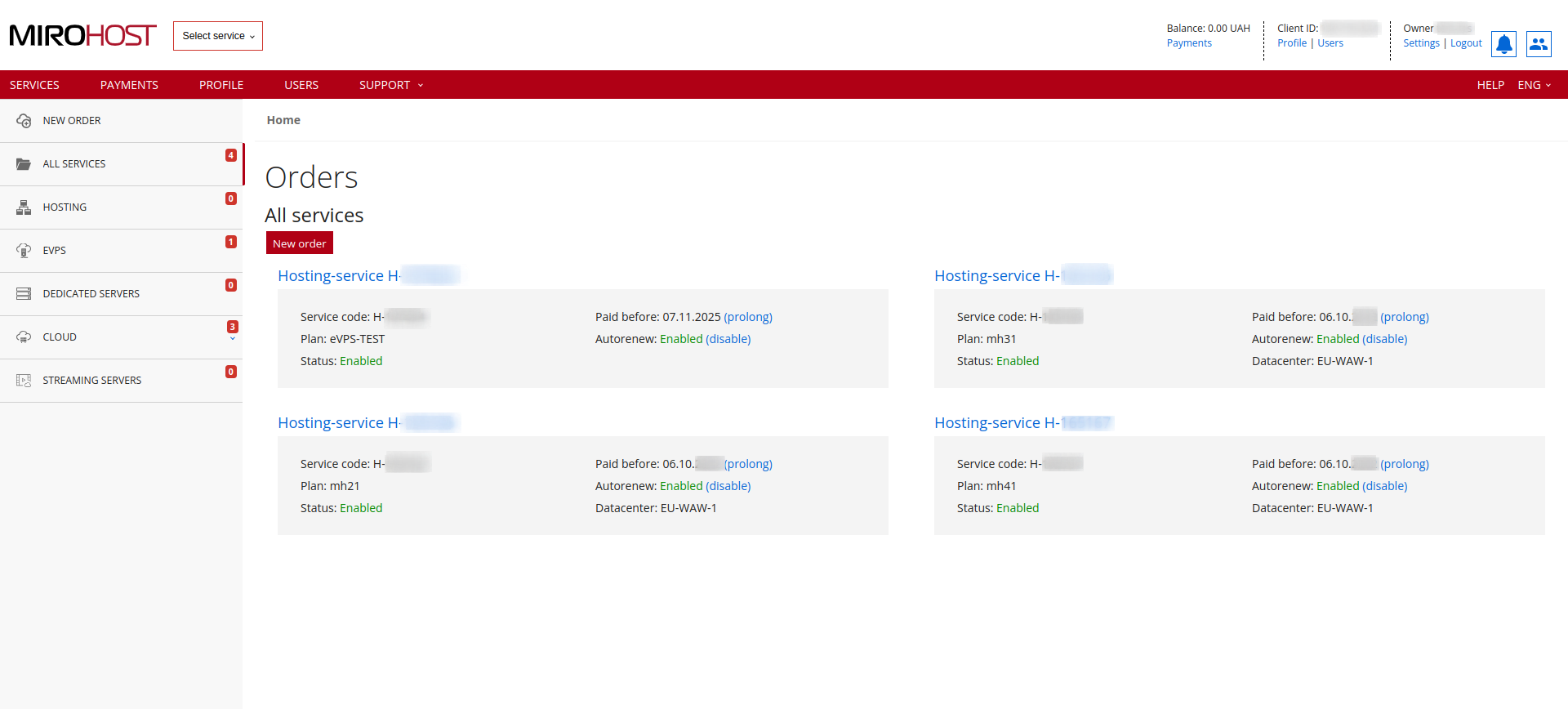 If you have registered one hosting package, click on "Hosting-service H-******" and select the domain for which you need to configure
Step 3. Select ‘Get log files’ (Server → Get log files).
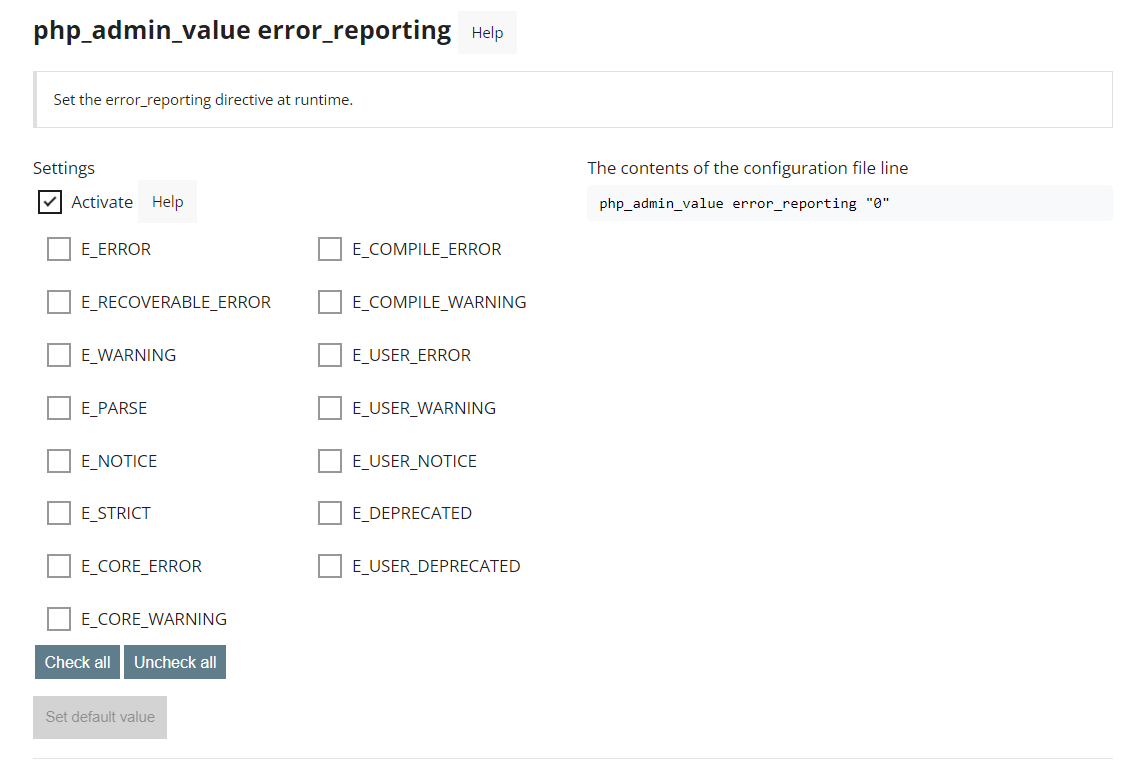
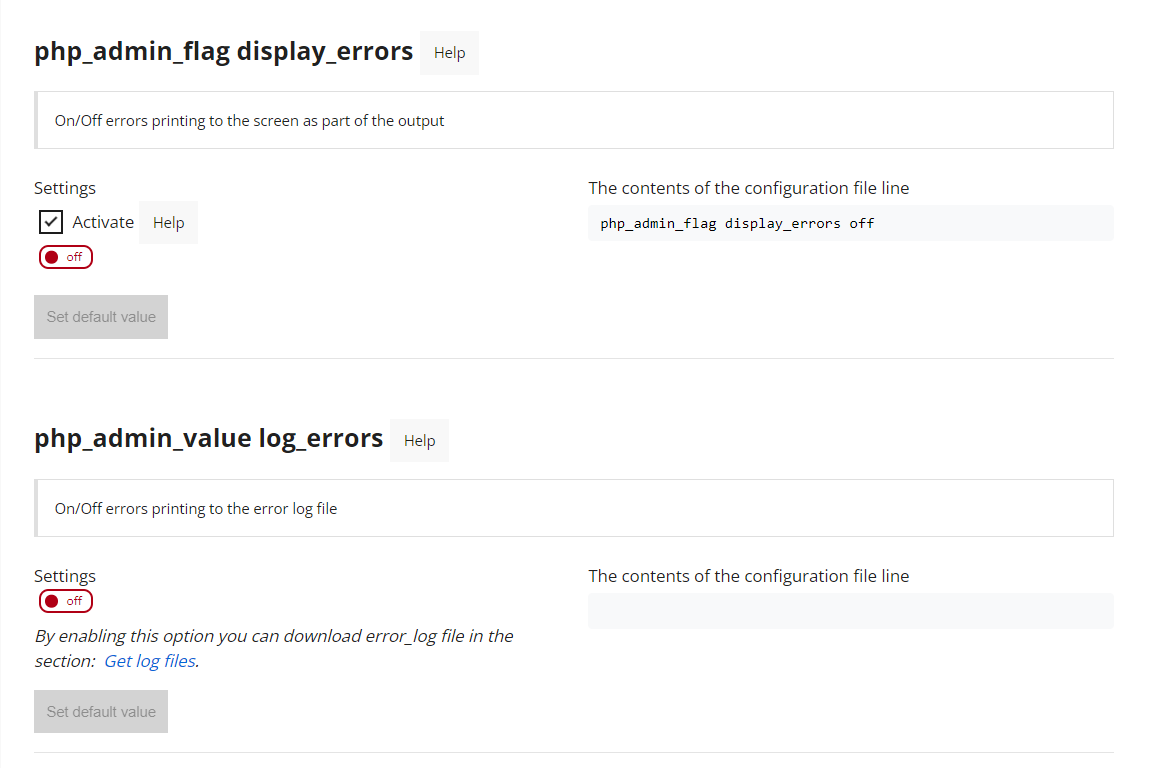
In order for errors from the server to be recorded in the error log, this function must be enabled in the hosting panel. Section "Server" → "Apache VirtualHost Settings" items php_admin_value error_reporting - check all the boxes, and php_admin_value log_errors - this is how errors will be recorded in the log. In order for errors to be displayed on the screen, it is necessary to enable php_admin_flag display_errors and save the settings.