
Profile and contact data of Mirohost user
Make sure that the information in your profile is relevant. You can check or change this data in the Mirohost control panel.
Step 1. Login to the Mirohost control panel
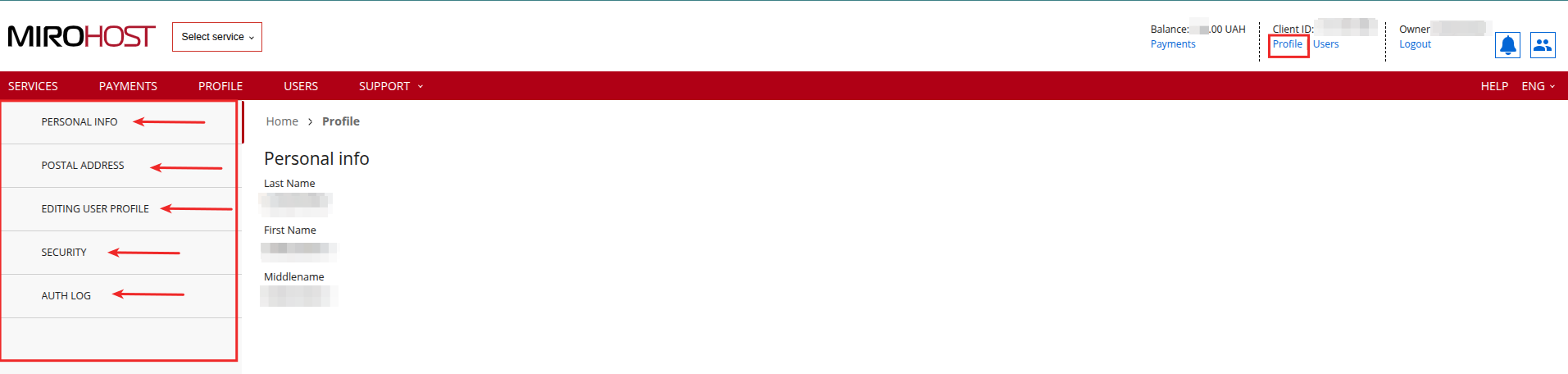
Step 2. Select ‘Client profile’ (‘Billing’ → ‘Client profile’)
Step 3. In this section, you can review or update your information.
Changes via the control panel are available only for the following items:
- postal address;
- editing login, email, and phone number in the user profile;
- password change;
- adding a phone number to receive SMS during authorization.
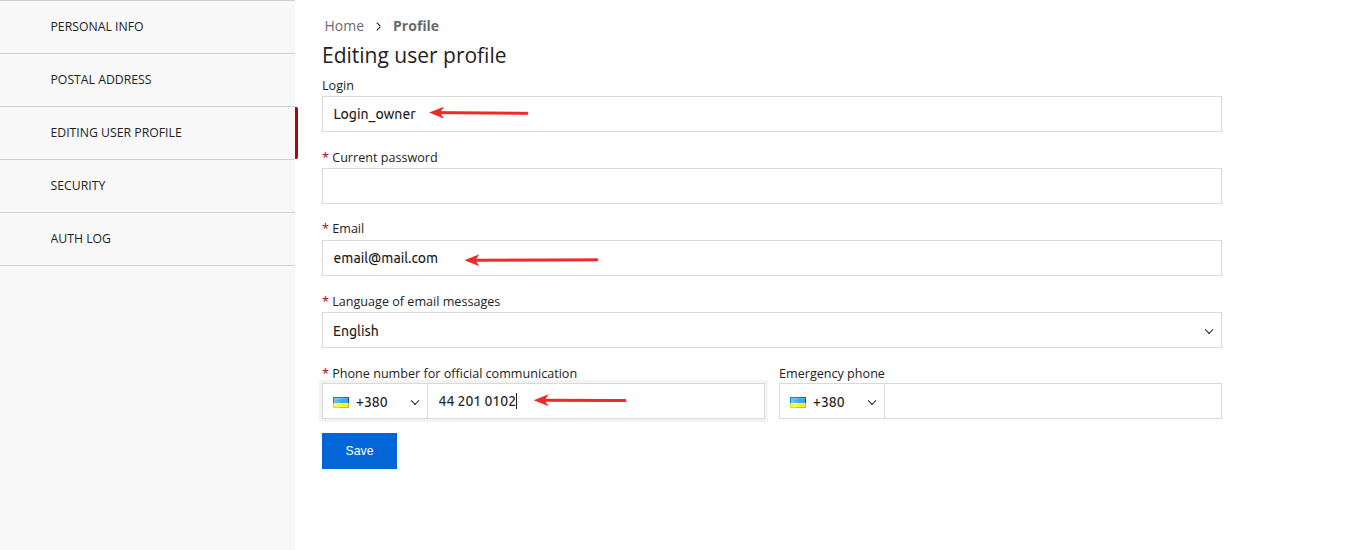
Make sure, that your email is relevant, and you are able to get all necessary notifications about your hosting account